Search K
Appearance
Install and configure the Claude Code extension for VS Code. Get AI coding assistance with inline diffs, @-mentions, plan review and keyboard shortcuts.
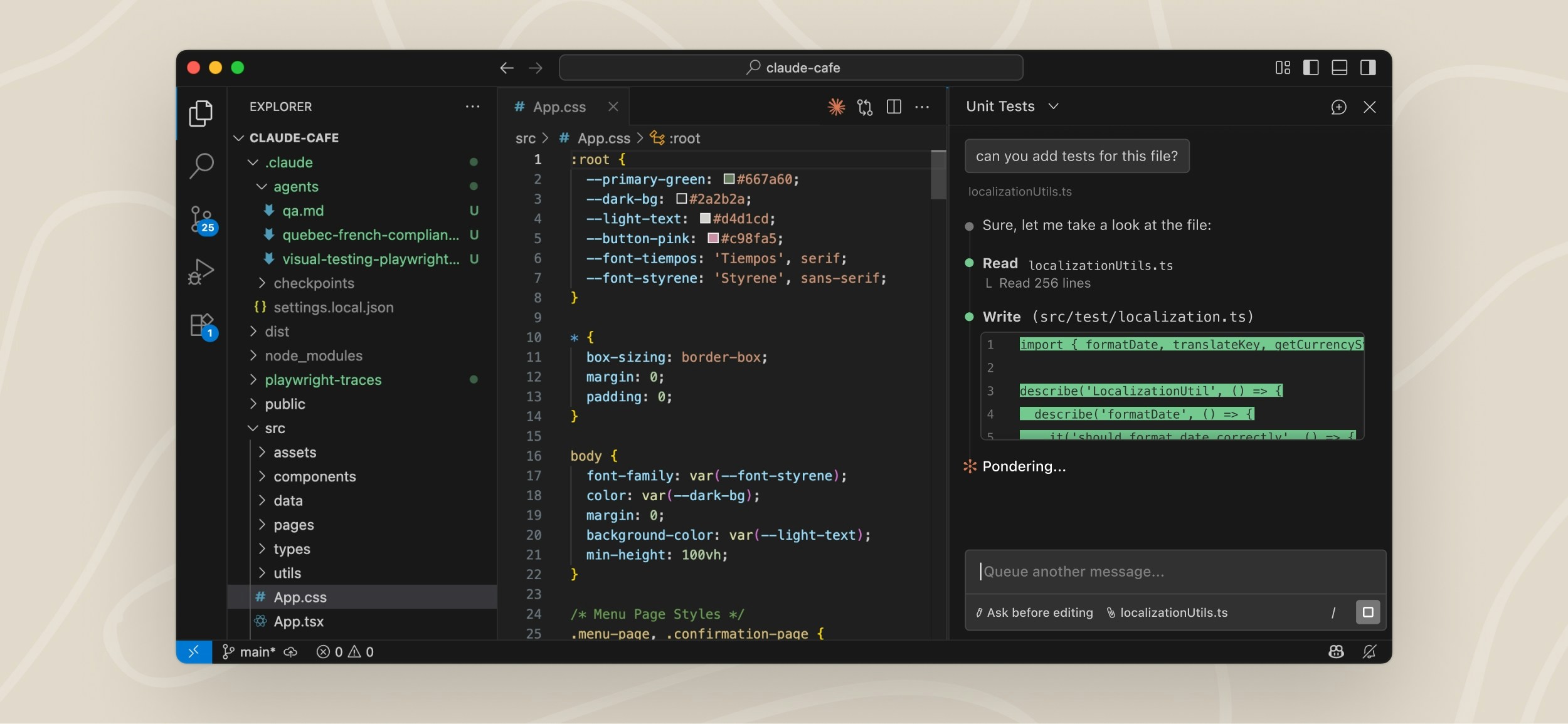
The VS Code extension provides a native graphical interface for Claude Code directly inside VS Code.
With the extension you can:
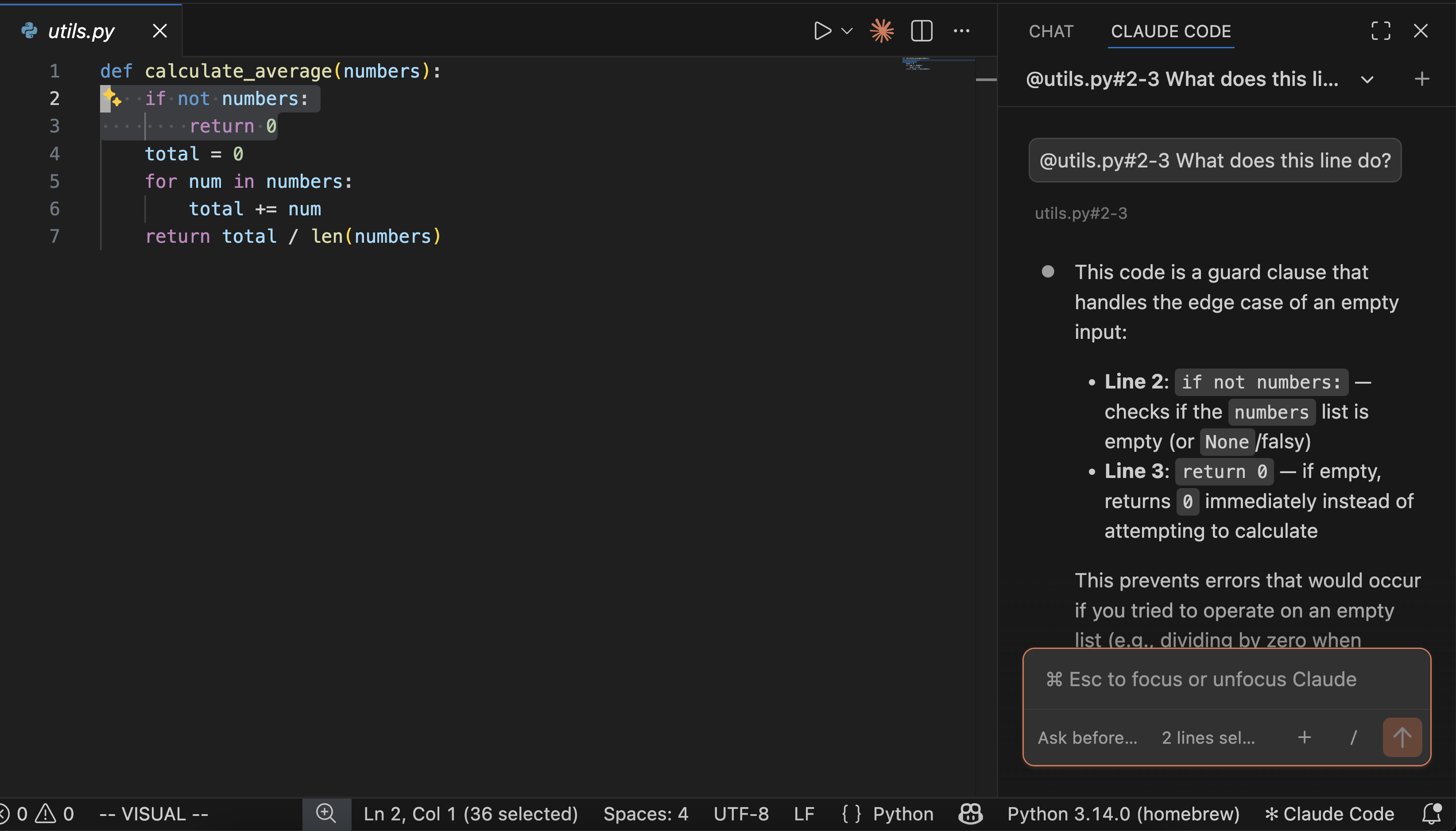
@ mentions for files and line rangesTIP
You do not need to install the Claude Code CLI first.
Some advanced features such as MCP configuration still require the CLI.
Install directly:
Or manually:
Open Extensions with:
Cmd+Shift+X on MacCtrl+Shift+X on Windows/LinuxSearch for:
Claude CodeTIP
You may need to restart VS Code or run Developer: Reload Window.
You can open Claude Code in several ways:
Click the Spark icon in the top-right corner of the editor.
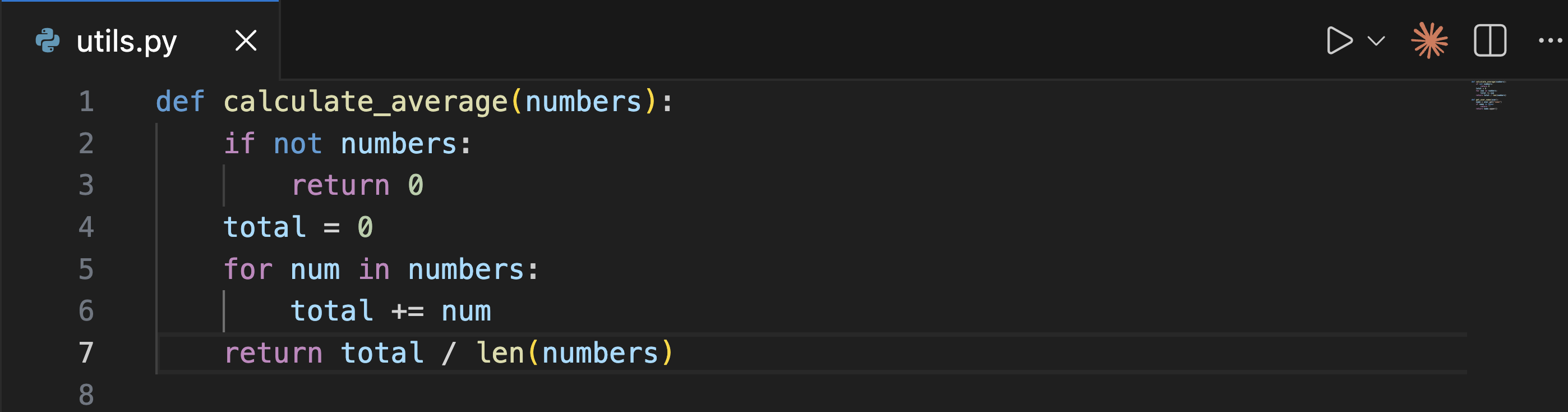
Open:
Cmd+Shift+P on MacCtrl+Shift+P on Windows/LinuxSearch for:
Claude CodeThen select:
Open in New TabClick:
✱ Claude Codein the bottom-right corner of VS Code.
Ask Claude to help with:
TIP
Select text in the editor and press Alt+K to insert an @ mention with file path and line numbers.
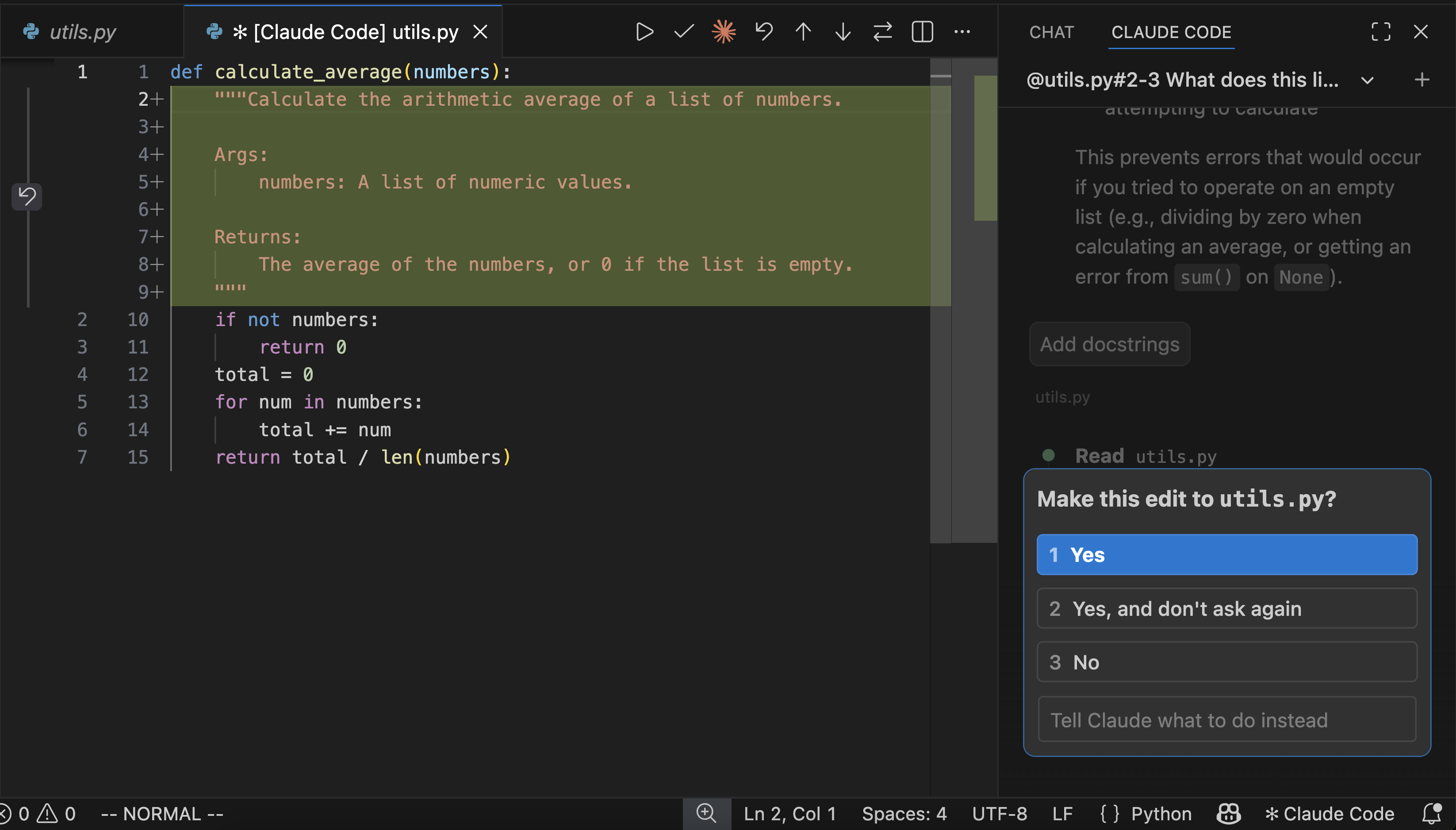
When Claude wants to modify files, VS Code shows a diff preview.
You can:
You can move the Claude panel to:
Enable terminal mode in VS Code settings:
Extensions → Claude Code → Use TerminalOr open:
vscode://settings/claudeCode.useTerminal| Command | Shortcut |
|---|---|
| Focus Input | Cmd+Esc / Ctrl+Esc |
| Open in New Tab | Cmd+Shift+Esc / Ctrl+Shift+Esc |
| New Conversation | Cmd+N / Ctrl+N |
| Insert @ Mention | Alt+K |
Open settings:
Cmd+, on MacCtrl+, on Windows/LinuxThen go to:
Extensions → Claude CodeImportant settings include:
Claude Code can also work with:
Configure providers in:
~/.claude/settings.json| Feature | CLI | Extension |
|---|---|---|
| Slash commands | Full | Partial |
| MCP config | Yes | Partial |
| Terminal shortcuts | Yes | No |
When auto-edit permissions are enabled, Claude can modify VS Code configuration files.
WARNING
Review changes carefully before accepting them.
For untrusted projects:
Try:
claudeClaude CodeRemove extension data:
rm -rf ~/.vscode/globalStorage/anthropic.claude-codeDocumentation source: https://code.claude.com/docs/llms.txt